Locker+
Updater can't detect DataTraveler Locker+ G3 (DTLPG3)
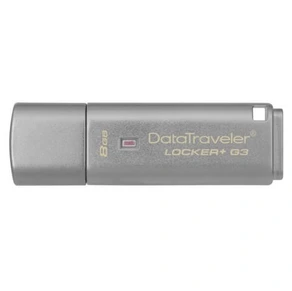
Neither the Windows nor the macOS firmware updater includes device product IDs for every variant. Examples include DTLPG3_Mac_Updater.zip and DTLPG3 Updater with El Capitan Fix.zip.
For me, the device product ID is the same as the DTVP (DataTraveler Vault) drive's product ID.
The trick is to make the macOS firmware updater work:
- Find your DTLocker+G3's
productIDin the System Information app, under USB. - Change the
productIDinDTLPG3_Mac_Updater.app/Contents/Resources/devicePersonalities.plistto your drive's ID.
For example, my drive's product ID is0x160D, so I changed the ID from0x169Dto0x160D. - Run the firmware updater app
After this modification, the updater can find and reflash the drive.
The latest updater can be downloaded from the Kingston's website here: https://www.kingston.com/us/support/technical/products/dtlpg3
With this update the drive can be used with the latest macOS Catalina.


