NewsFeed Launcher
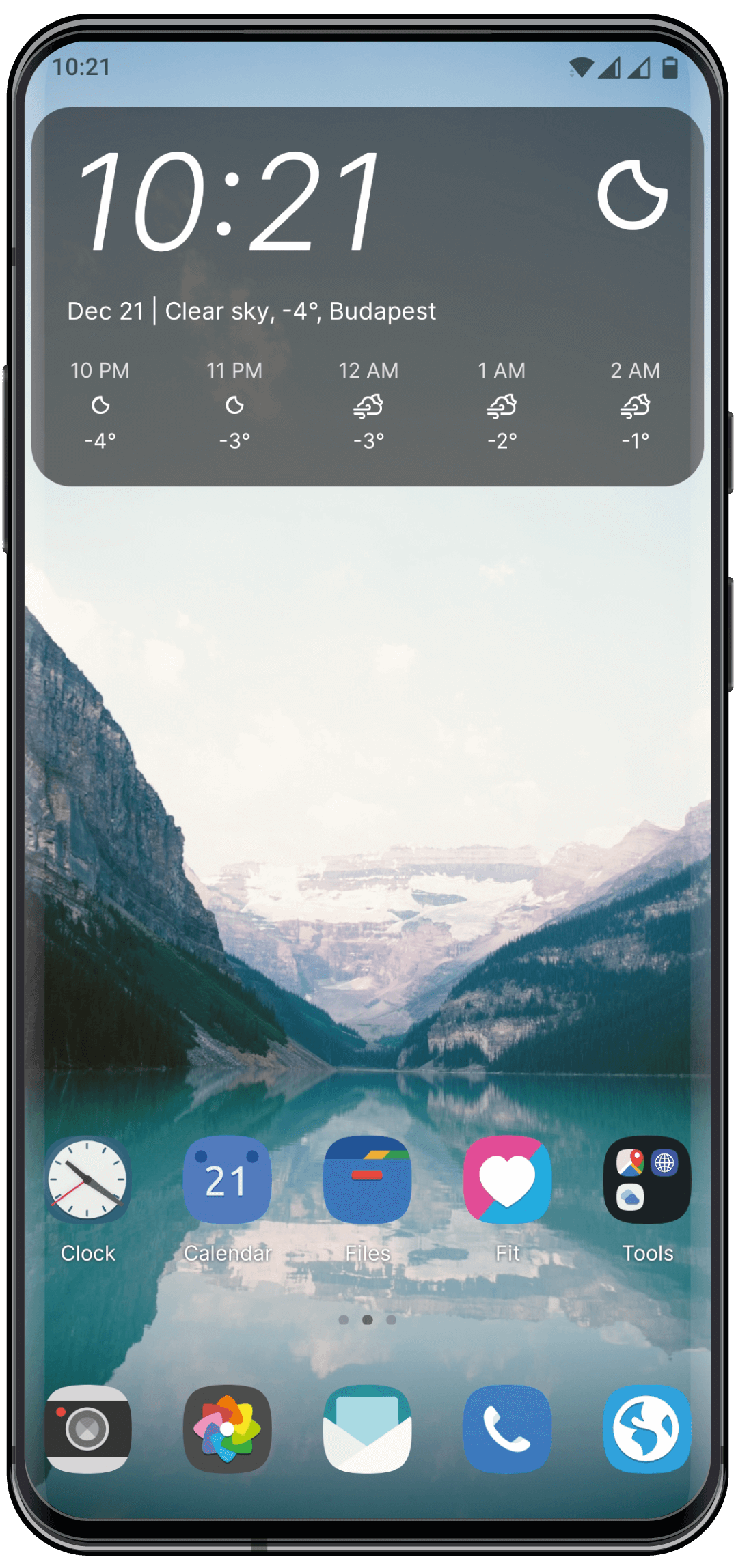
Take control of your home screen. Follow your feeds — not algorithms.
Manage your apps, follow RSS feeds and YouTube channels, and read what matters to you even when you are offline.
Supported operating systems: Android 8+

Changelog
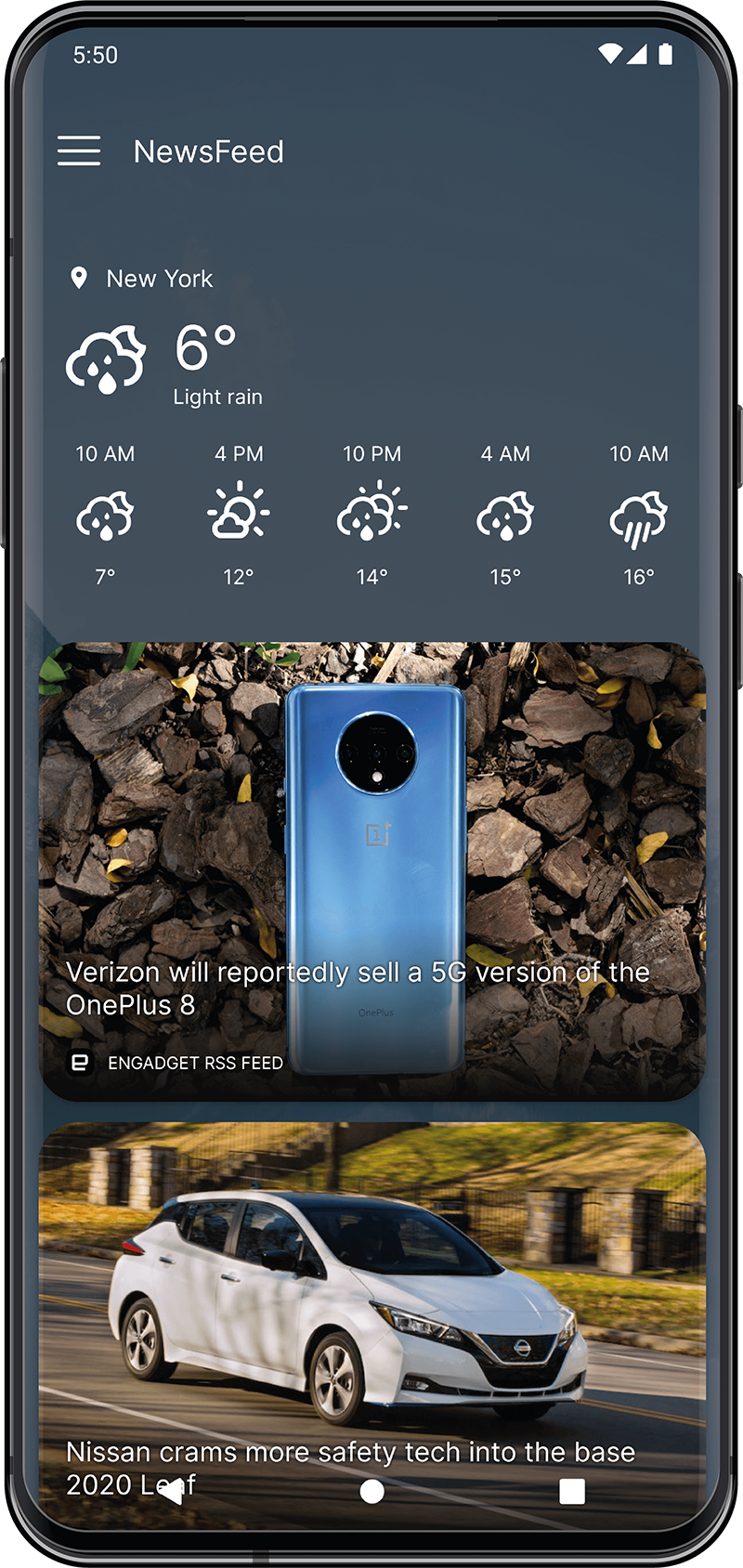
The NewsFeed
Follow RSS feeds, podcast feeds, and your favorite YouTube channels in one place.
Stay on top of what matters to you, right from your home screen.

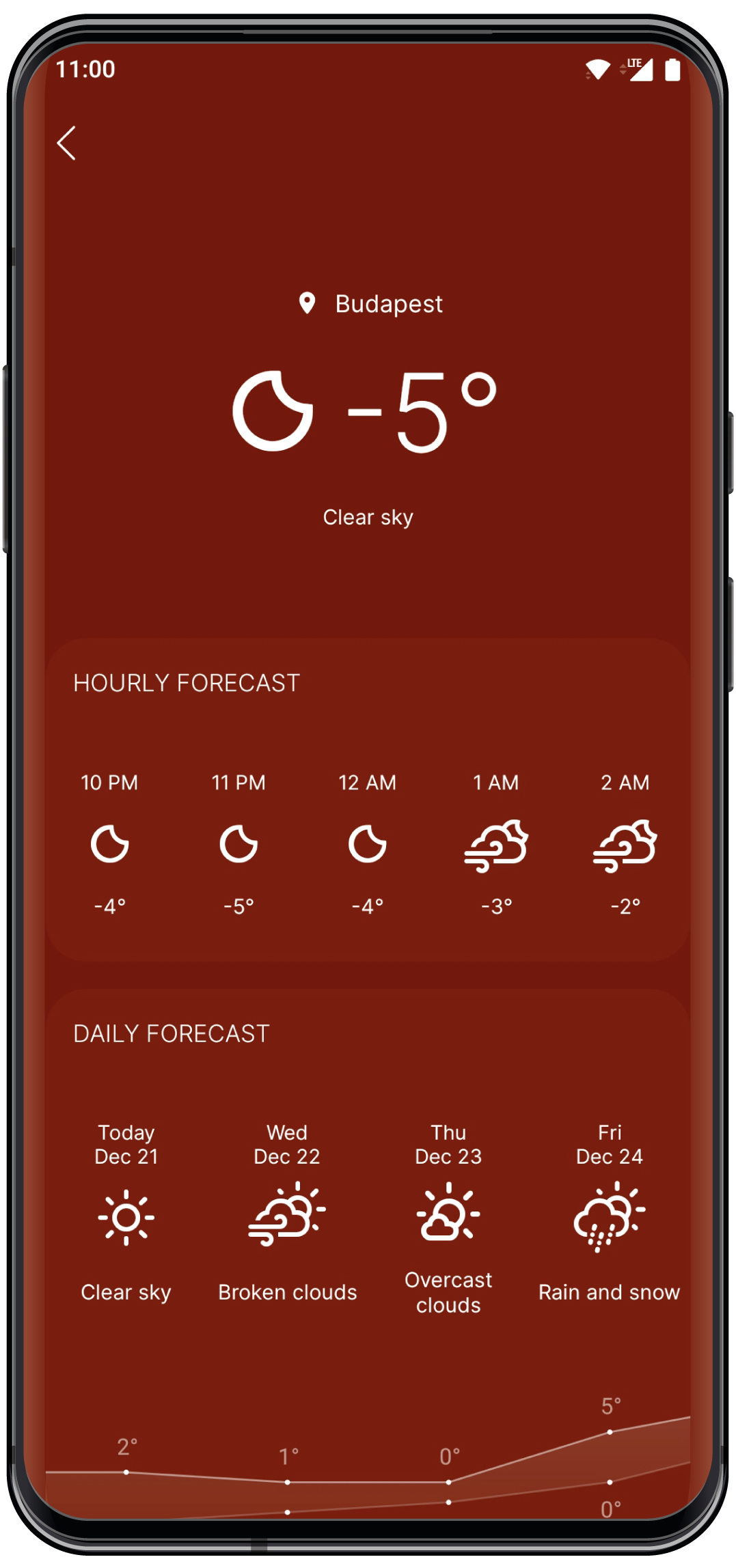
Weather forecasts by


Get up-to-date weather forecasts at a glance.
Check the weather before you head out and stay one step ahead of the day.
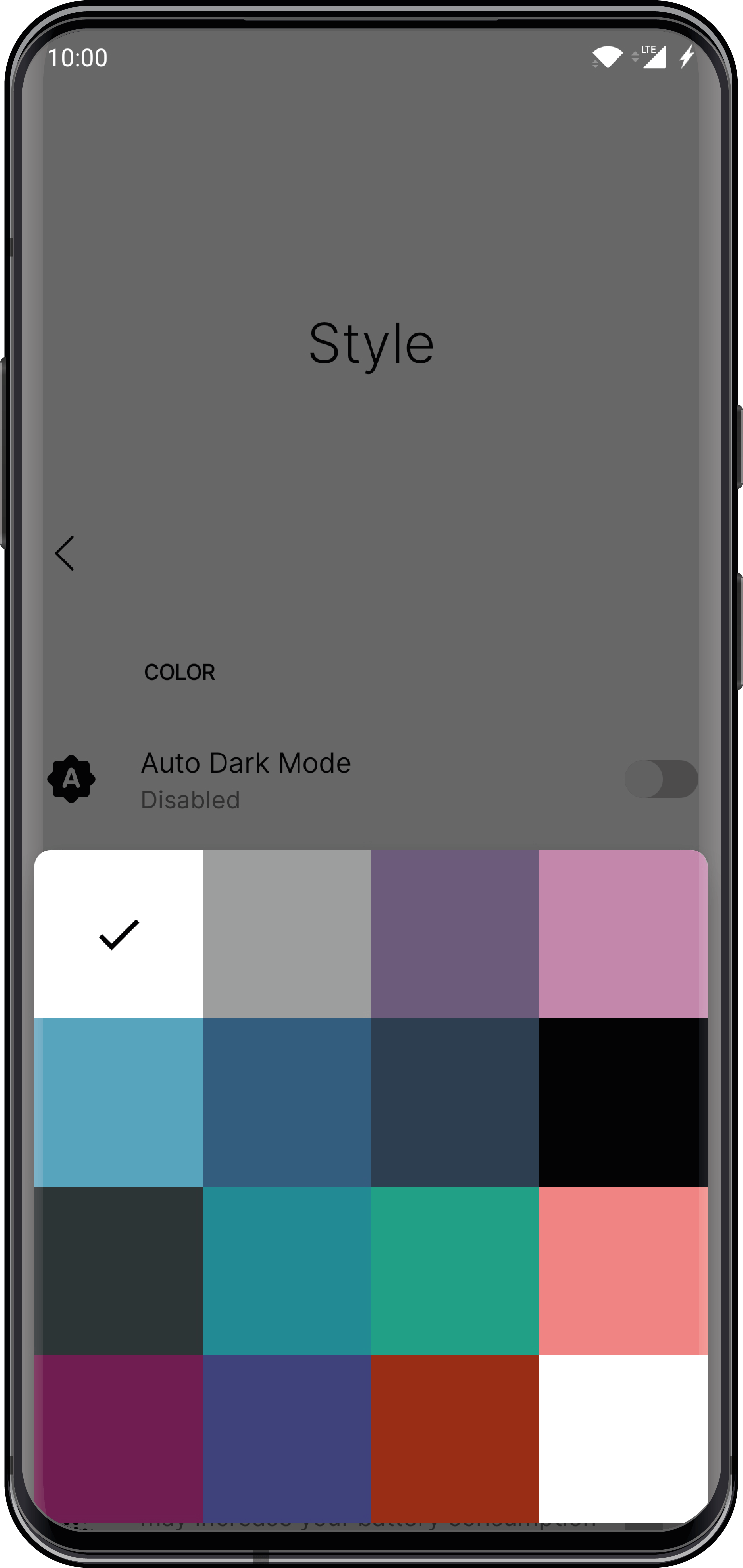
Color themes
Pick the look that fits you best.
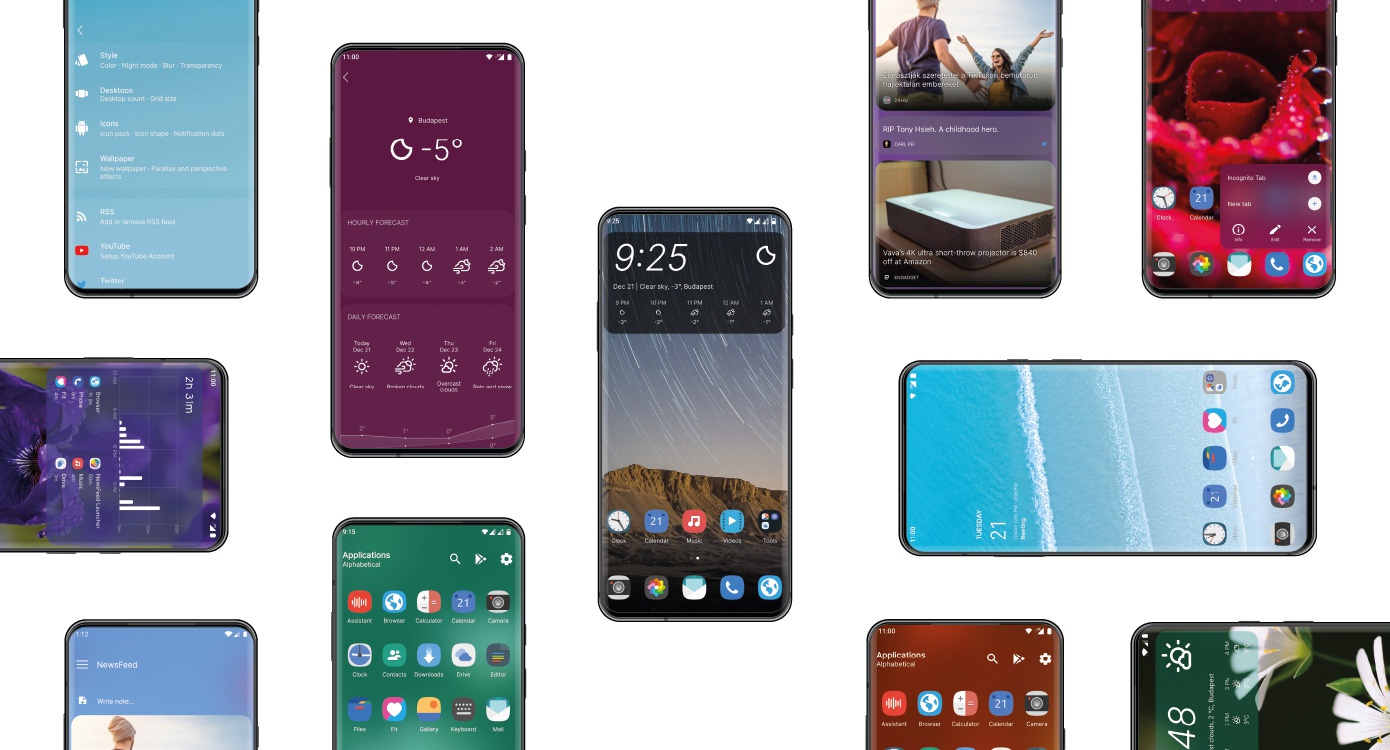
Choose from eye-catching color themes, and make them even smoother with the optional blur effect.
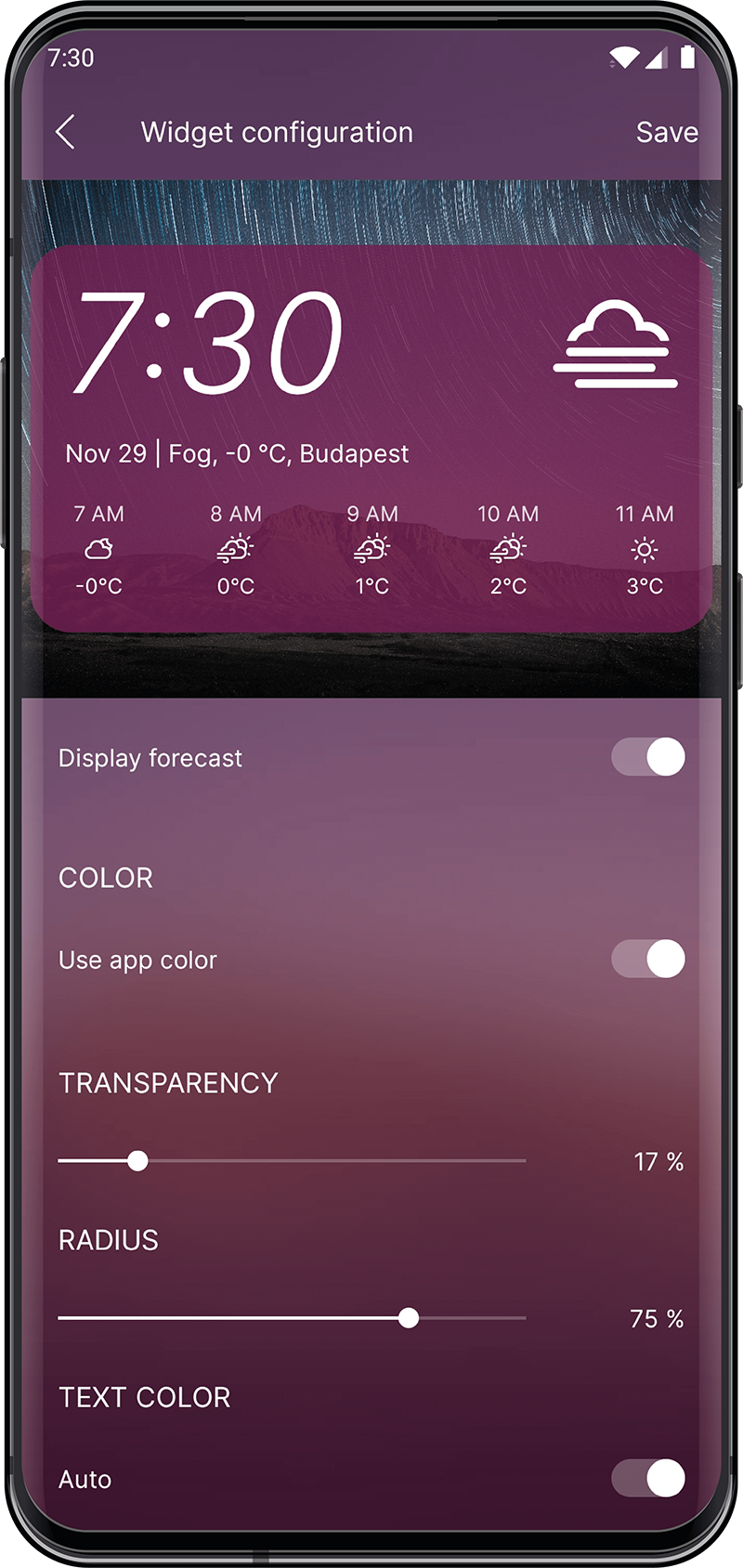
Built-in widgets
Useful widgets, built right in.
Choose from clock and weather, weather, simple clock, screen time, and calendar widgets — and customize them to match your setup.
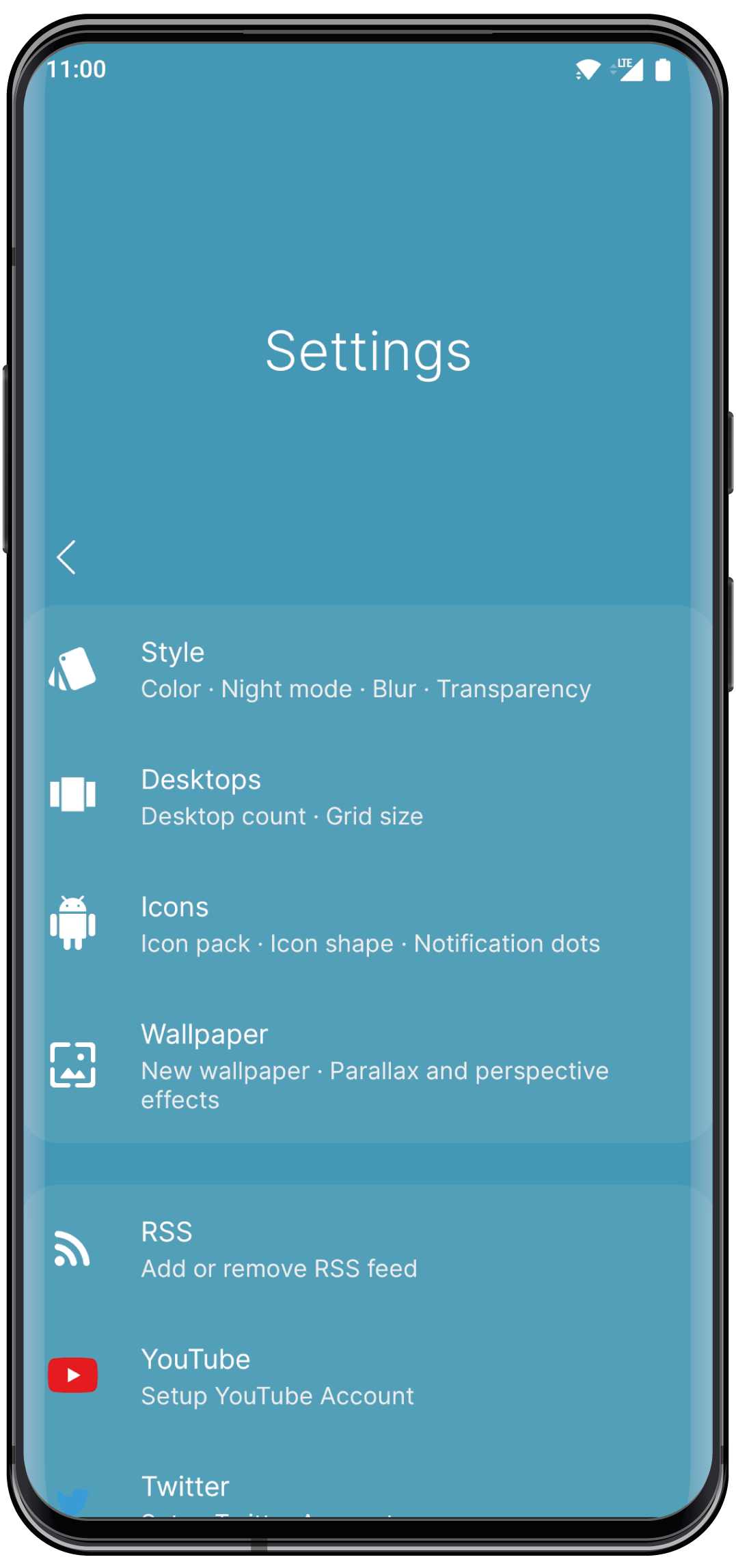
Accessible
Designed to stay comfortable and easy to use, even with one hand.
Dark mode
Dark mode can switch on automatically after sunset, so the launcher stays easy on the eyes day and night.
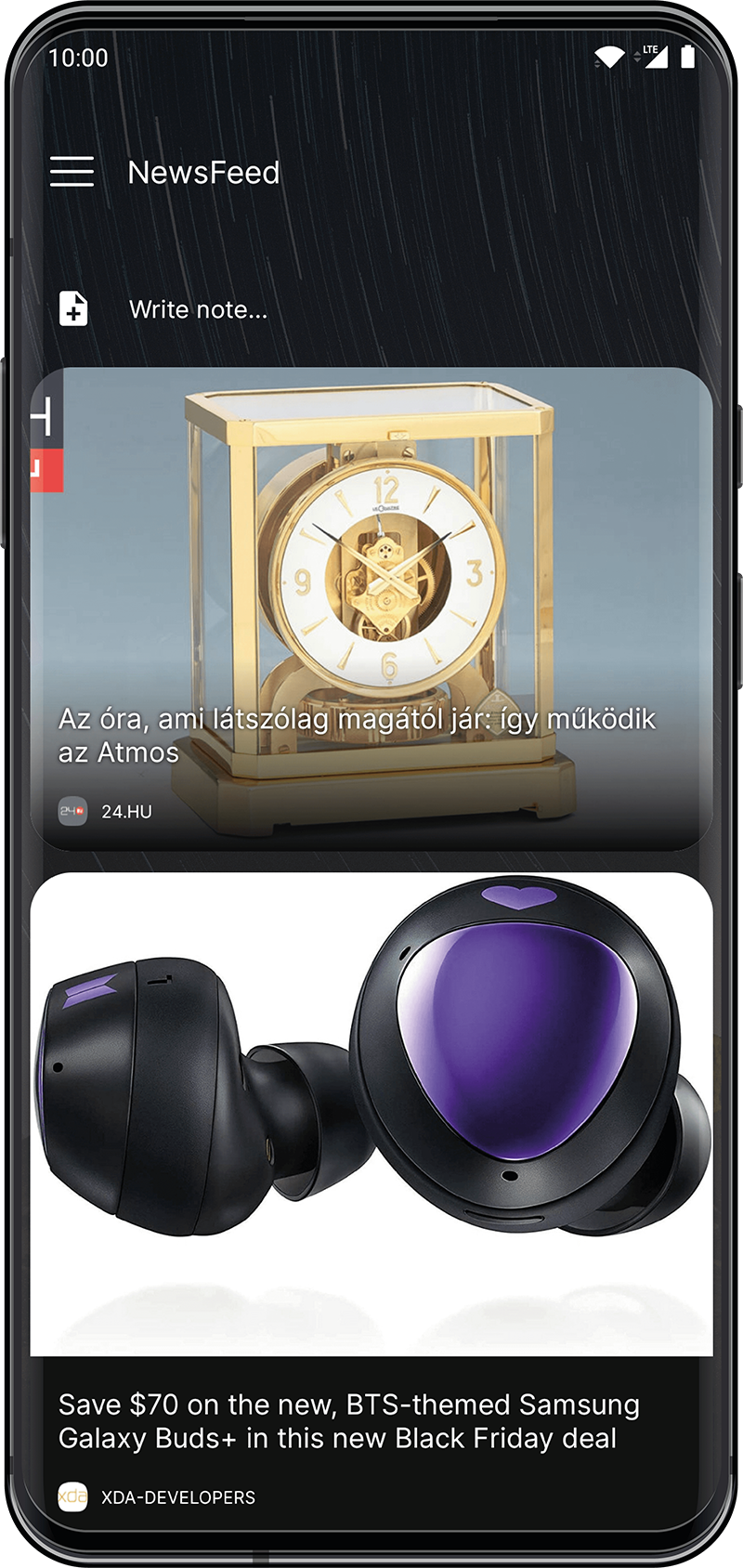
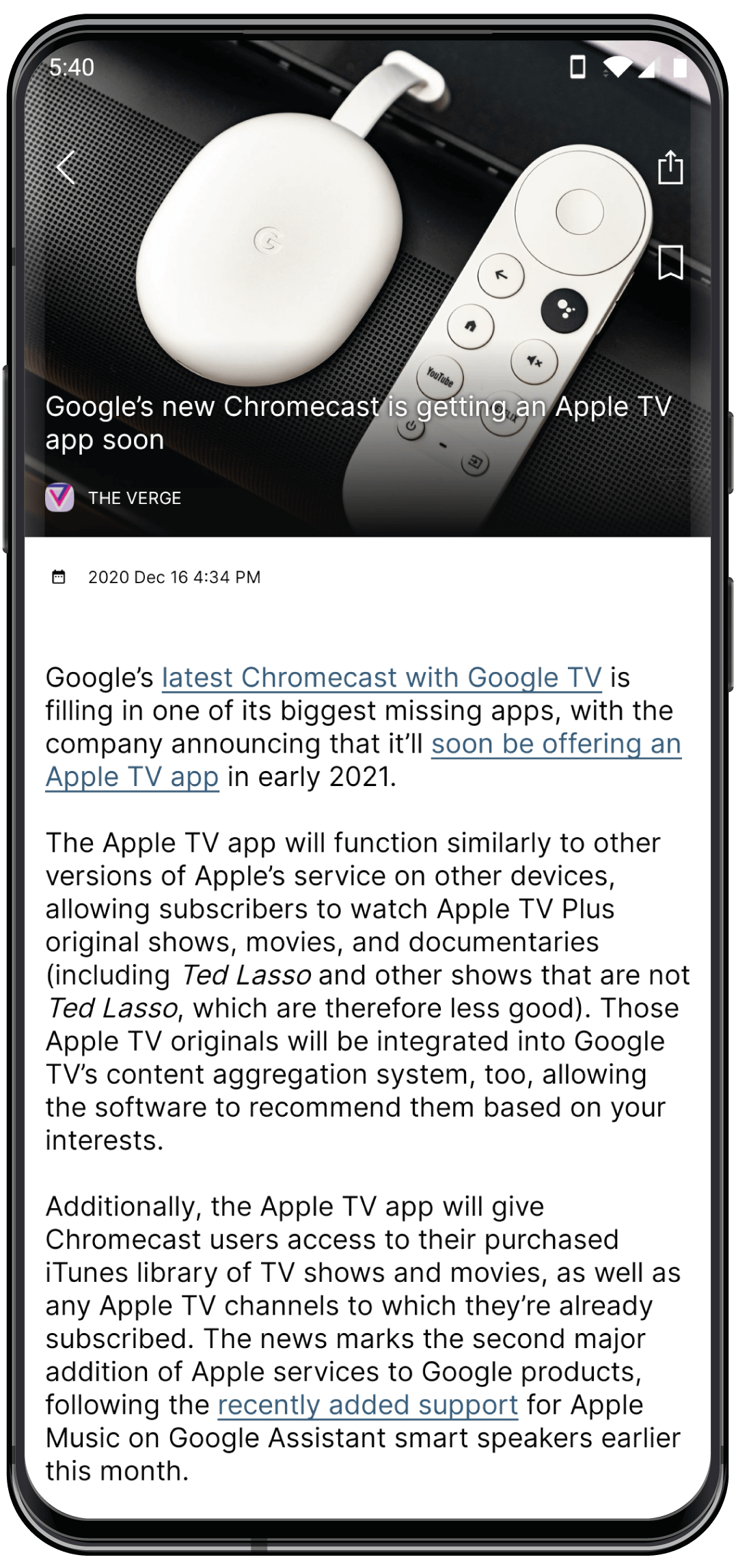
Offline reader
Read articles in a clean, distraction-free text format — without ads, even when you are offline.
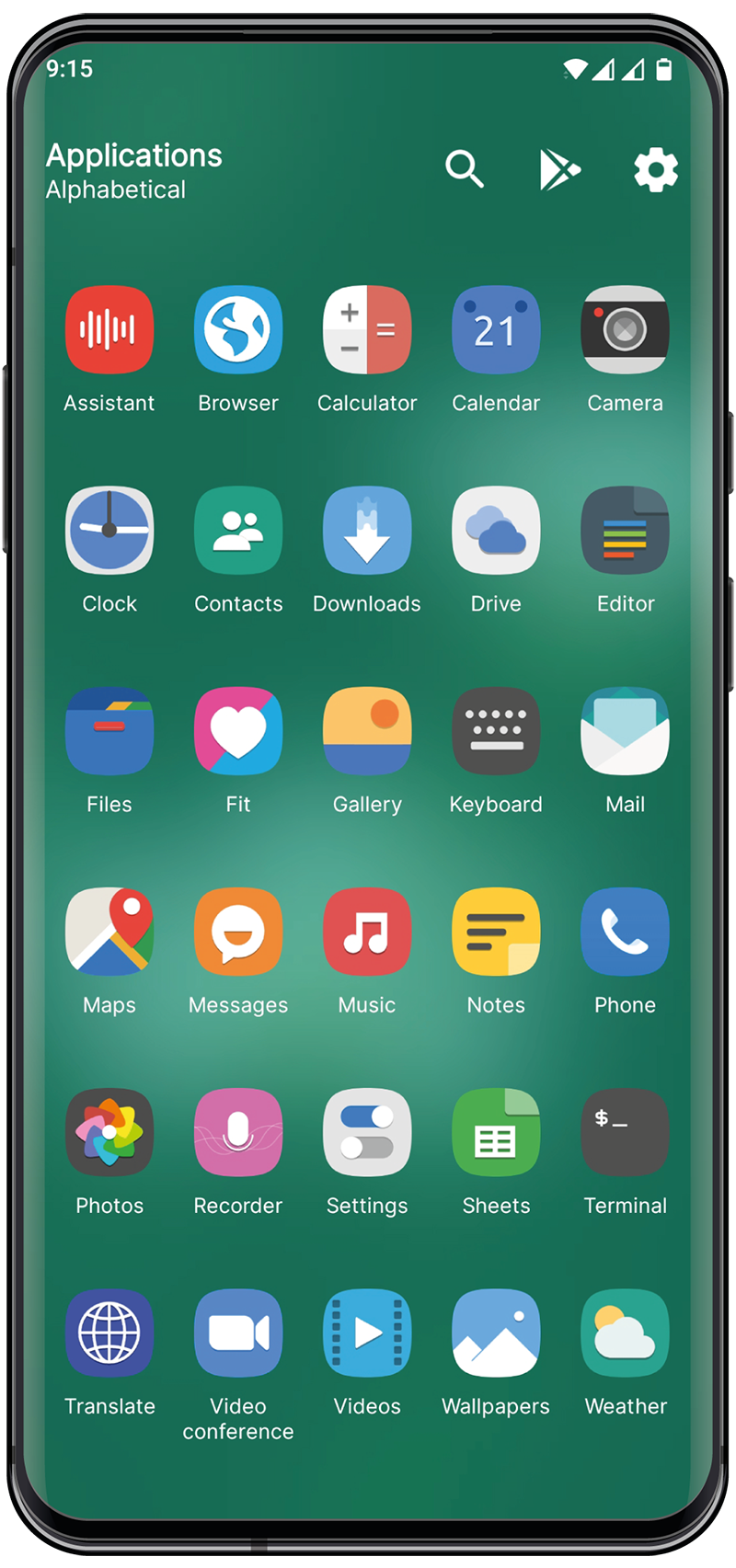
Icon packs
Use icon packs made for other popular launchers and make the home screen truly yours.

More features
Notes, calendars, bookmarks, hidden apps, wallpaper chooser, icon scaling, font scaling, icon shapes, multiple desktops, default desktop selection, grid customization, legacy icon conversion, notification dots, linear and staggered feed layouts, backup and restore, and OPML import.
Tips and frequently asked questions
Documentation
NewsFeed Launcher Privacy Policy
Google Play and the Google Play logo are trademarks of Google Inc.
Most of the icons on the demo photos are from the Papirus Adaptive Icon Pack.
Wallpapers: Daniel Roe, Ben mack, Pixabay, Aaron Burden, Asim Alnamat