Rendering fidelity, GPU-accelerated filters, and SIMD-optimized CPU rendering.
Where It All Started
It all started with an icon that wouldn’t render correctly.
While working on NewsFeed Launcher, I came across an icon displayed inside the app that wasn’t rendering correctly. It turned out to be an SVG rendered by AndroidSVG, so I went straight to the library’s source code to find out what was going wrong.
Eventually I found it: the image used an SVG <mask>, and the original Java renderMask mishandled mask positioning and sizing: it ignored the x and y attributes, used incorrect default dimensions and offsets, and failed to constrain the mask to its declared region. It also used full-canvas intermediate layers for compositing.
From a Fix to a Full-Fledged Renderer
AndroidSVG had other shortcomings too. I initially set it aside, but returned a few weeks later with a plan to move it to Kotlin and address some of the missing features. Filters were the biggest gap, so that became the next major area of work. The project gradually evolved into a renderer I could rely on in production. The development took roughly two and a half to three months to reach its current state.
AI tools also played a useful role in the implementation, particularly in writing and refining the assembly kernels. I used them to explore implementation approaches, while parity tests and measurements on actual devices determined what made it into the final code.
The move to Kotlin was about more than translating the existing Java code. I wanted an implementation that was easier to reason about and a public API that felt natural to Android developers today — myself included. KSVG is Kotlin-first rather than “pure Kotlin”: the API and rendering core are Kotlin, while the filter engine uses native code where the pixel work needs it.
Inline higher-order functions were one practical reason for choosing Kotlin. They let me keep expressive abstractions in performance-sensitive code without adding function-object overhead in the hot paths where lambdas would otherwise be created repeatedly during drawing or animation updates.
What you get from KSVG
A Kotlin API with familiar Android integrations. KSVG has dedicated Compose entry points such as KsvgImage and KsvgAnimatedImage, a KSVGDrawable for the traditional View world, and Glide integration. Compose, traditional Views and Canvas all use the same rendering core. Given the same SVG and rendering options, they produce the same exact output regardless of the UI toolkit. Glide uses that same rendering core when loading SVGs.
GPU-accelerated filters, backed by full CPU filtering. Filter-heavy SVGs — blurs, color matrices and lighting effects — are among the more demanding parts of rendering. KSVG uses GPU acceleration where the platform and filter operation allow it. When that path cannot handle an operation, the SIMD-accelerated CPU backend provides the full filtering implementation.
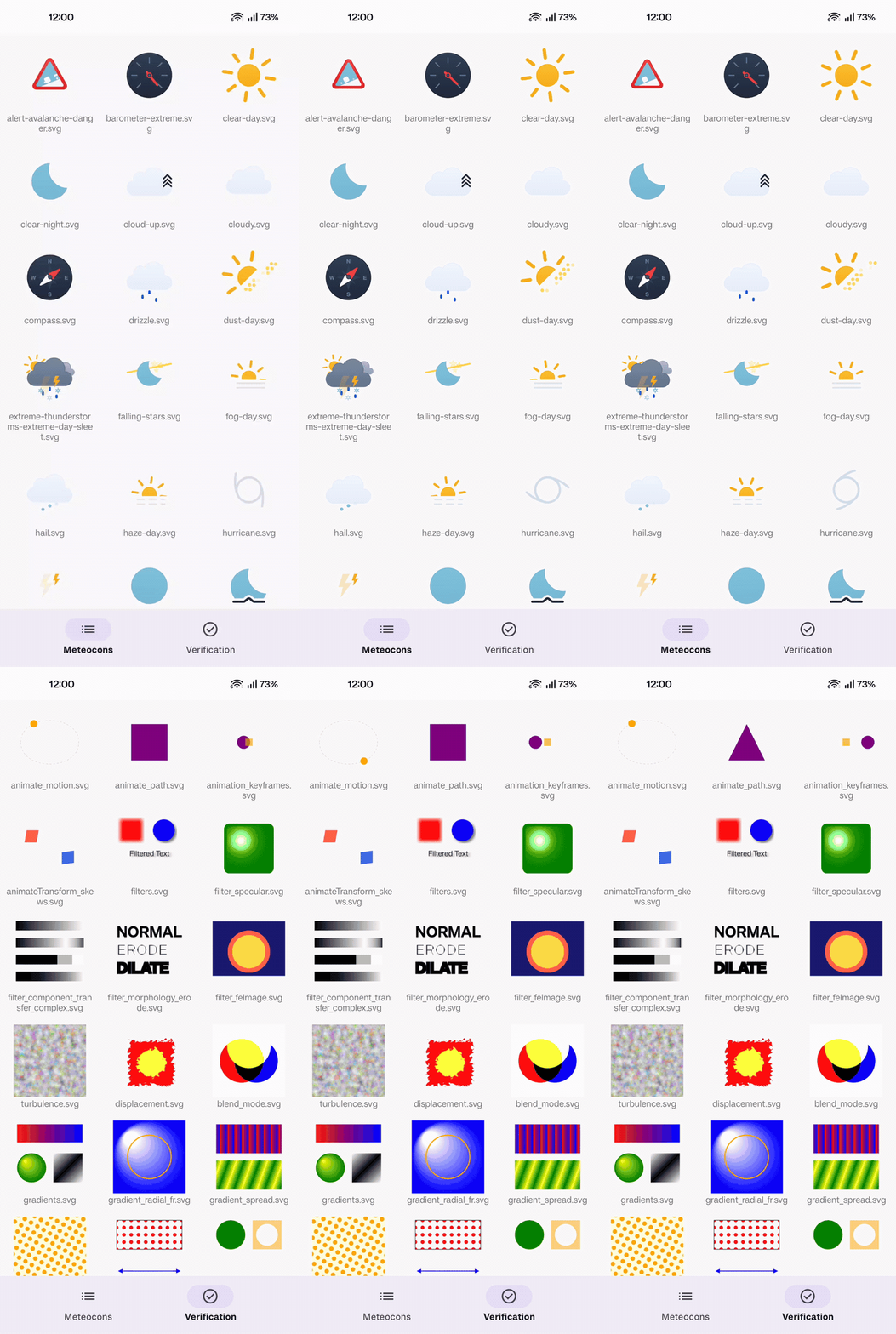
Broad SVG Feature Support. KSVG supports masks, clipping, gradients including focal gradients, patterns, filters, SMIL animation and modern typography features such as variable fonts.
Rendering correctly on Android
Some rendering differences are specific to Android’s graphics stack. Pattern content can be culled by hardware canvases, focal radial gradients behave differently below API 31, and translated nested SVG panels need careful display-list handling.
Text presented a compatibility challenge. When I compared the same SVG text in librsvg, Firefox and Chrome, each produced different results. There was no single renderer to use as a universal reference, so I had to decide which behaviors KSVG should follow and implement those choices using Android’s text APIs.
The project publishes a feature-support matrix and a known-issues list so developers can check the behavior of a specific SVG construct before relying on it.
Performance by design
The rendering architecture was designed to keep the draw path lightweight and avoid unnecessary work between frames. Changing drawable bounds does not require rebuilding the render tree. The scene updates the viewport-dependent state in place and invalidates only the subtrees whose geometry has changed. This keeps resizing efficient. The separation of responsibilities makes this possible: the DOM holds the parsed SVG, the render tree contains resolved rendering nodes and geometry, and the scene owns the viewport for the drawable’s current size.
Memory management is also important in the rendering hot paths. KSVG uses immutable structures to avoid unnecessary copying of rendering state, while object pools reuse frequently used objects instead of allocating new ones on every draw. These techniques help keep steady-state rendering close to allocation-free.
One profiling investigation exposed the cost of repeatedly updating Paint state. Each renderer state eagerly held its own detached Paint objects. Updating them over several frames generated a large number of allocations. About two-thirds of the string allocations came from platform font handling triggered by those Paint property writes.
The fix was to create Paint objects lazily and update a property only when its value had actually changed. A version counter and known-value fields track the current Paint state, avoiding redundant typeface and font writes.
Filters and rendering backends
Filters are one of the most demanding parts of SVG. They combine image processing, color handling, intermediate buffers and platform-specific rendering behavior.
KSVG’s backend selection depends on both the Android API level and the filter operation. On API 33 and later, AGSL is the primary GPU filtering backend; operations it cannot handle fall back directly to the SIMD CPU backend. On API 31 and 32, RenderEffect can accelerate simpler filter chains, while other filter graphs use the CPU backend. Below API 31, filtering is handled by the CPU backend.
An SVG filter is not necessarily a linear sequence. Primitives can refer to named results from earlier steps, branch from the same input, reuse intermediate results, and define their own subregions. RenderEffect maps well to simpler chains. AGSL lets KSVG implement the main GPU-accelerated filter operations, while the CPU backend covers operations that the GPU path cannot handle.
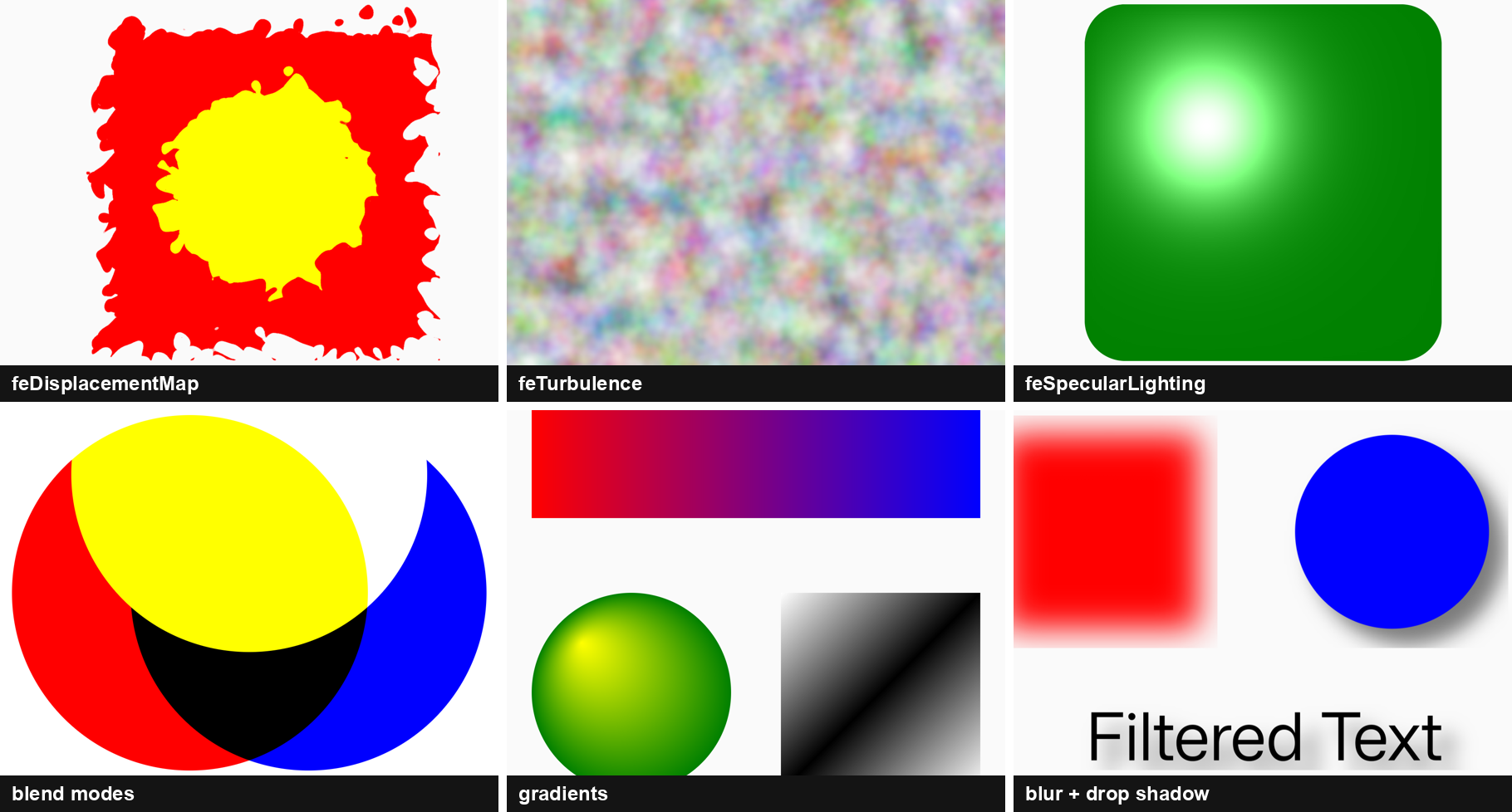
The CPU implementation combines handwritten native SIMD kernels with a pure-Kotlin reference implementation. KSVG has native kernels for ARM NEON and x86 SSE2, SSSE3 and AVX2. Their output is tested against the Kotlin reference using documented tolerances. The test harness can also force a specific instruction set and report which backend actually ran.
GPU and CPU filter outputs are not required to be bit-identical. The parity tests allow a maximum per-channel difference of two levels and also check aggregate error to account for differences in floating-point behavior between GPU shaders and SIMD code. This tolerance applies only across rendering backends. Compose, View and Canvas use the same rendering core and produce the same exact output given the same SVG and rendering options.
Some gains came from removing avoidable stack spills, reordering instructions and finding alternative instruction sequences that reduced the total instruction count. A JNI shortcut also looked promising on the host but had no effect on the device. When a register-level defect was difficult to identify from the code alone, I used a patched QEMU/GDB setup to inspect the actual machine state. That work led to qemu-trace-bridge, published separately.
I also built profiler-tools to analyze Android allocation recordings, CPU traces and heap dumps. The existing tools were too slow for the repeated analysis I needed, so I built parallel processing tools to make large captures faster to inspect. I used them extensively during KSVG’s optimization work and later in other projects, where the profiling data helped me identify and fix performance bottlenecks.
Try it yourself
Add the core library from Maven Central. The Compose and Glide integrations are optional artifacts:
dependencies {
    implementation("hu.oandras.ksvg:ksvg:1.0.0-beta03")
    implementation("hu.oandras.ksvg:compose:1.0.0-beta03") // Optional: Jetpack Compose
    implementation("hu.oandras.ksvg:glide:1.0.0-beta03")   // Optional: Glide
}
KSVG supports Android API 26 and later. Consuming projects need Kotlin 2.4 or newer because the library publishes Kotlin 2.4 metadata.
For a static SVG in Compose, use KsvgImage:
KsvgImage(
    assetPath = "sample.svg",
    contentDescription = null,
    modifier = Modifier.size(96.dp),
)
For SMIL-animated assets, use KsvgAnimatedImage, which enables animation parsing for the document.
The same rendering core is available to traditional Android code. To draw into a Canvas:
val svg = SVG.getFromAsset(assets, "sample.svg")
val canvas = Canvas(bitmap)
svg.renderToCanvas(canvas)
For an ImageView, the document can be wrapped in an animated drawable:
val svg = SVG.getFromAsset(assets, "sample.svg", parseAnimations = true)
imageView.setImageDrawable(svg.toAnimatedDrawable())
If you prefer loading directly from assets, KSVG also provides KSVGImageView:
ksvgImageView.setImageAsset("sample.svg")
Glide integration uses the optional glide artifact. KSVGGlideModule registers itself, so an application can load an SVG URI through Glide without a custom target:
Glide.with(context)
    .asDrawable()
    .set(KSVGOptions.PARSE_ANIMATIONS, true)
    .load(uri)
    .into(imageView)
For more control, the rendering options also include custom CSS, target-element rendering and viewport configuration. The documentation has the full API reference and examples for each integration.
SVG is a large specification, so KSVG publishes a feature-support matrix, known limitations, architecture notes and benchmarks. Where KSVG differs from a browser or another renderer, the difference is documented.
Real-world SVGs are the most useful test cases. If you find one that KSVG doesn’t render as expected, please report it.
- GitHub: https://github.com/oraveczandrew/ksvg
- Maven Central: https://central.sonatype.com/artifact/hu.oandras.ksvg/ksvg
- Documentation: https://oraveczandrew.github.io/ksvg/
- Feature support matrix: https://github.com/oraveczandrew/ksvg/blob/master/docs/SVG-SUPPORT.md
- Known limitations: https://github.com/oraveczandrew/ksvg/blob/master/docs/KNOWN_ISSUES.md
- Benchmarks: https://github.com/oraveczandrew/ksvg/blob/master/docs/BENCHMARKS.md
- Releases and showcase APK: https://github.com/oraveczandrew/ksvg/releases